
Construction management software built for the site, not the office
Crews work where the signal does not reach. TrackVia puts the same checklist on every site, captures the evidence with or without a connection, and turns a failed check into the work that fixes it — before anyone drives back.
- Offline-ready mobile
- 6,000+ integrations
- Changes with you
Production applications
Running real operations today
Field submissions a month
Workflows moving through from the field
Operational records
Managed on the platform
Uptime
Commercial, Government and HIPAA environments
One record from the walk to the invoice
TrackVia runs the three phases of a construction job that happen on site: field execution, safety and compliance, and closeout. Estimating stays in your bid tool, drawings stay with the design team, and the program stays in your schedule tool.
What changes is the middle. The same checklist goes out to every site, the evidence is captured with or without a connection, and a failed check becomes the work order that fixes it — routed to someone certified for it, and closed out with a signature on the device.
- Inspections, daily logs and punch lists on one standard
- JSAs, toolbox talks, incidents and certifications on the same record
- Sign-off and evidence attached before the job bills

What construction teams get out of it
The same four things, whichever module a team starts with.
Crews do more of the work and less of the paperwork
Nothing is re-typed between the walk and the office. The inspector captures it once, on the device, and the record is already the one the office needs.
The job bills on the evidence, not the write-up
Photos, notes and sign-off are attached at closeout, so invoicing does not wait on a report. One utility contractor went from six days to hours — an 80% improvement.
An audit is an export
Certifications, permits and incident records sit against the same crews and sites as the inspections, with alerts before anything expires.
It changes when the work changes
Your own team adjusts a checklist for a new client specification or a new trade, without a developer and without a change request.
5 ways to improve construction field operations
The five changes that move a field operation, drawn from what construction teams actually did rather than from a maturity model.
Get the guideConstruction teams already running this way
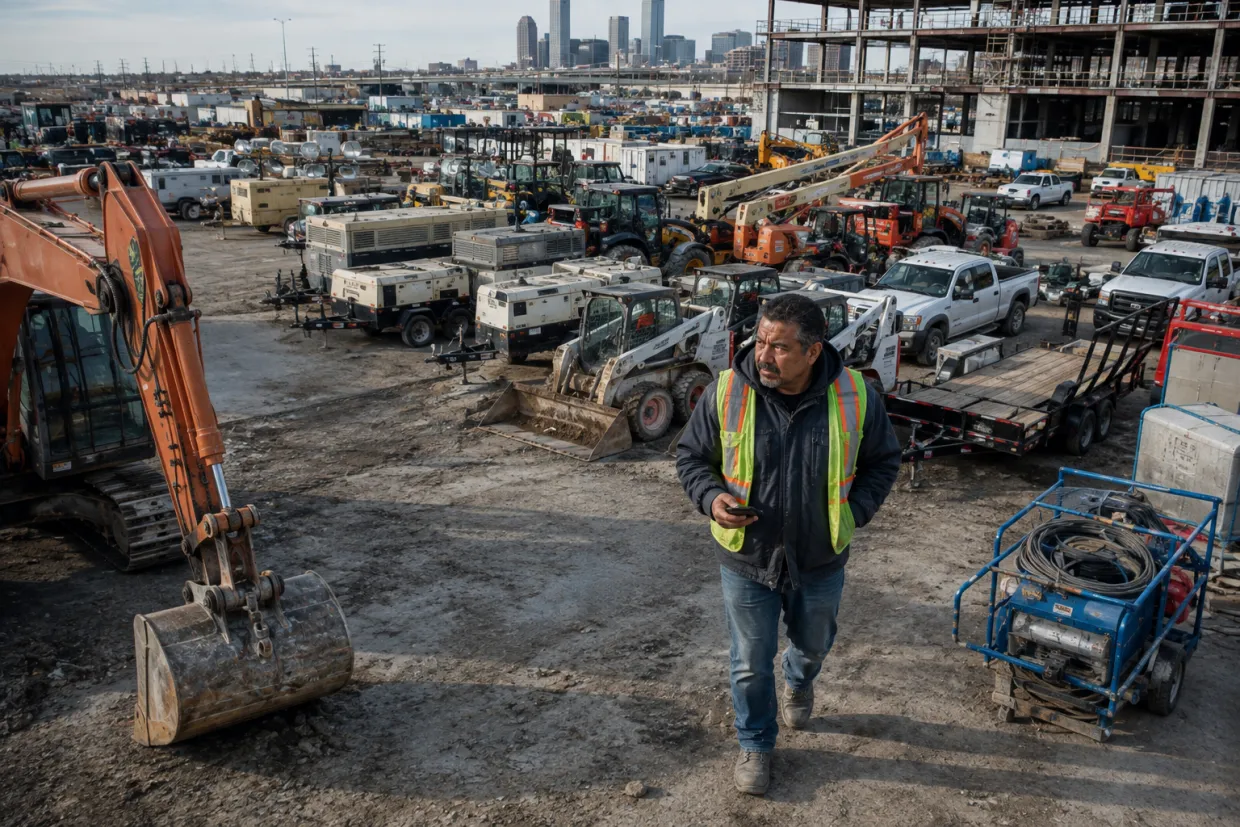
Vee-Jay Cement Replaces Paper Reports and Spreadsheets with One Connected Field System
Vee-Jay Cement
Read their full story
Off the Spreadsheet. Into One Connected Operation.
Downer
Read their full story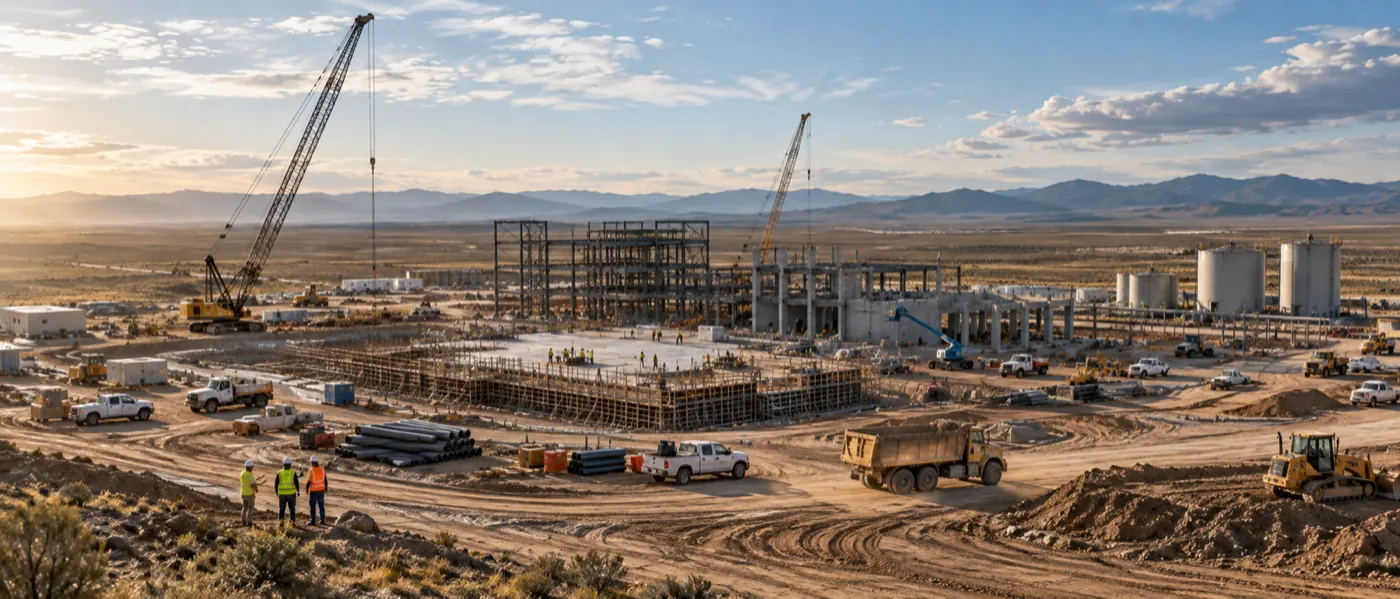
Run Every Job Site. Stay In Control.
KS Industries
Read their full story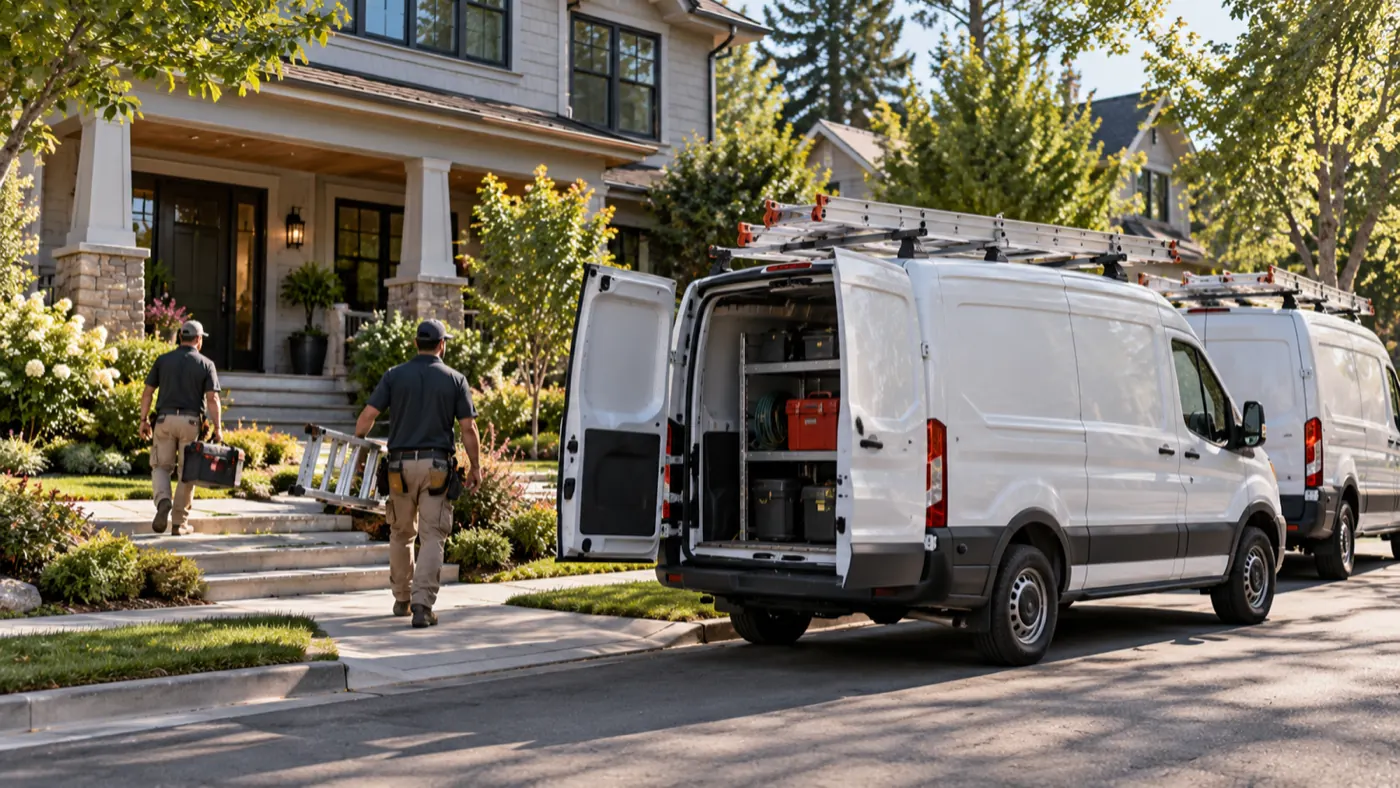
Keep Distribution Moving. Outgrow the Spreadsheet.
Custom Home Improvement Solutions Company
Read their full story
Critical System Requirements
Structural Steel Fabrication Company
Read their full story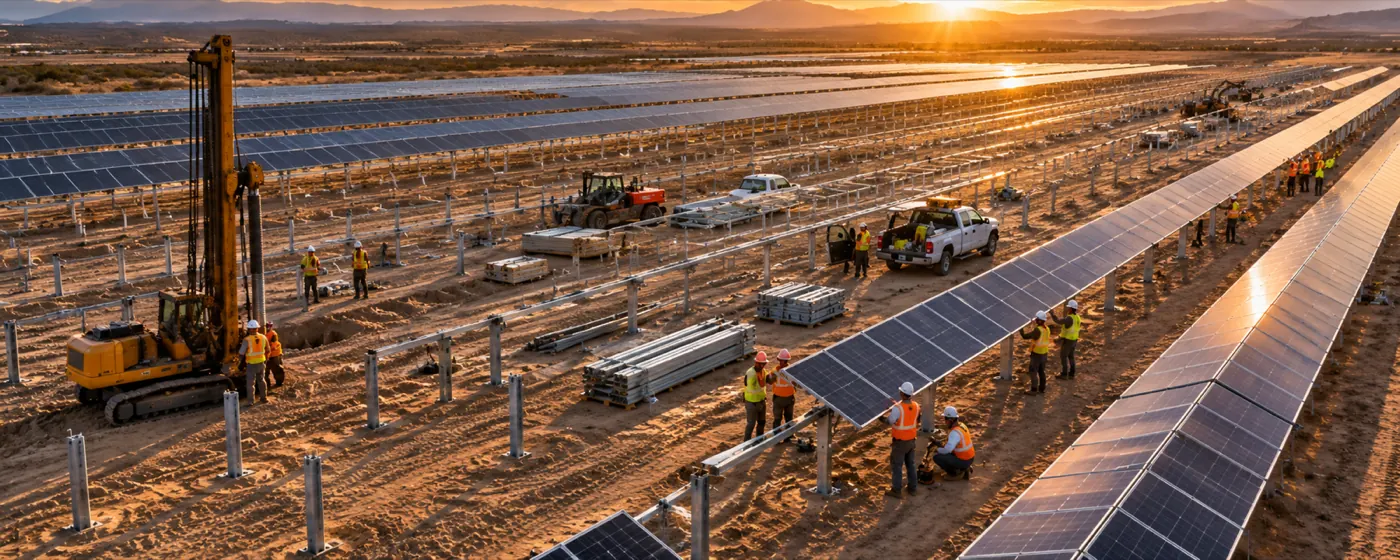
Automating Manual Processes Improves On-Time Delivery and Increases Productivity, Scaling Business for Growth
Utility-Scale Solar Installation Company
Read their full storyAfter vetting out several other solutions, TrackVia quickly seemed like a perfect solution for us… Our needs change almost weekly as regulations and the industry evolve, and we needed the flexibility to constantly tweak our platform in real time.
Projects that used to sit delayed for weeks now finish in days or even hours.
With Excel, we couldn’t see what employees were doing. With TrackVia it’s easy to track work and view what exactly has been completed. This resulted in an 80% time savings.
I wound up being able to do the same amount of work with only eight people versus 13 and that became the driving factor for them to accept TrackVia.
We are very pleased with the ease of use of the mobile application. We are thrilled to have instant visibility of the sterilization process and to be able to see immediately where issues are occurring. This enables us to focus on our number one priority, which is our patients and their loved ones.
TrackVia has truly changed the game on software development and deployment. We created and rolled out a mobile workflow app with limited resources in a very short period of time.
Their solution provided the flexibility we needed to meet unique project requirements while affording visibility and control.
TrackVia has improved the accuracy of our data. In the past it was a chore for our coordinators to document issues in real time. Now, they can just open the mobile app or website, check a few boxes and they are done.
The first application I built—it was simple—I think it took 10 minutes.
Common questions
Can inspections differ by trade, site and client spec?
Does a failed check create the work order itself?
Can we track permits and certifications alongside the work?
Do we start from scratch?
Can technicians use it with no signal?
Does it integrate with our other systems?
Can we change the workflow ourselves?
Can I get an answer from my data without building a report?
How long does implementation take?
Where construction teams start
The most common workflows that construction teams depend on TrackVia to manage
Ready to get started?
See how we fit your operation
A working session on the workflows your crews actually run.