
Safety management software Stay audit-ready without the last-minute scramble
Build regulatory and risk management into everyday work, so your team stays audit-ready and liability exposure stays low. Catch compliance issues while they’re still small and inexpensive to fix.
- Offline-ready mobile
- 6,000+ integrations
- Changes with you
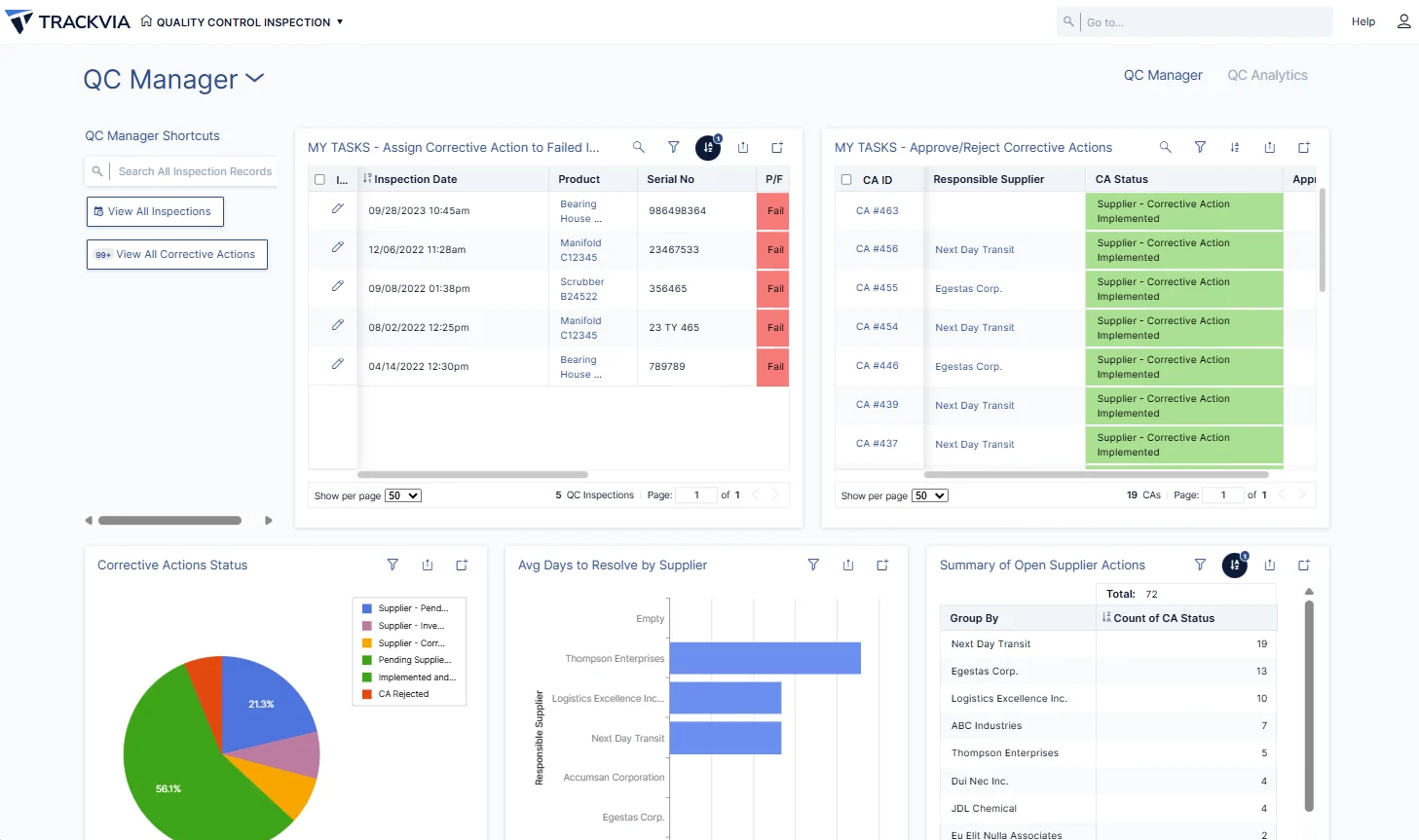
Production applications
Running real operations today
Field submissions a month
Workflows moving through from the field
Operational records
Managed on the platform
Uptime
Commercial, Government and HIPAA environments
No surprises
Certifications expiring without anyone noticing is how audits and incidents turn into real liability, and an incident reconstructed from memory weeks later rarely holds up if it’s challenged. Automated alerts catch expirations before they become a problem, and logging incidents as they happen builds a record you can stand behind.
Talk with an expert
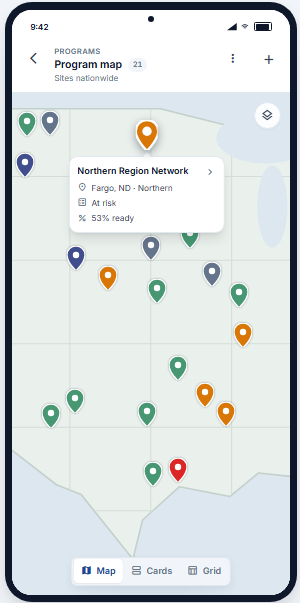
From the incident to the closed corrective action
Log it in the field
Incidents and near misses captured at the time they happen, instead of reconstructed from memory weeks later.
Track what expires
Certifications, licenses, and permits monitored automatically, with alerts before anything lapses.
Standardize the routine
Job safety analyses and toolbox talks follow a template instead of a blank sheet of paper.
Close the loop
Corrective actions stay open and visible until they are actually closed, with SDS sheets and audit evidence in one place.
Compliance at a glance
A compliance dashboard rolls up certification status, open corrective actions, and incident history by site or crew, so a risk or compliance leader sees exposure across the whole organization instead of piecing it together site by site. A location falling behind shows up immediately instead of waiting for the next audit.
See the whole platform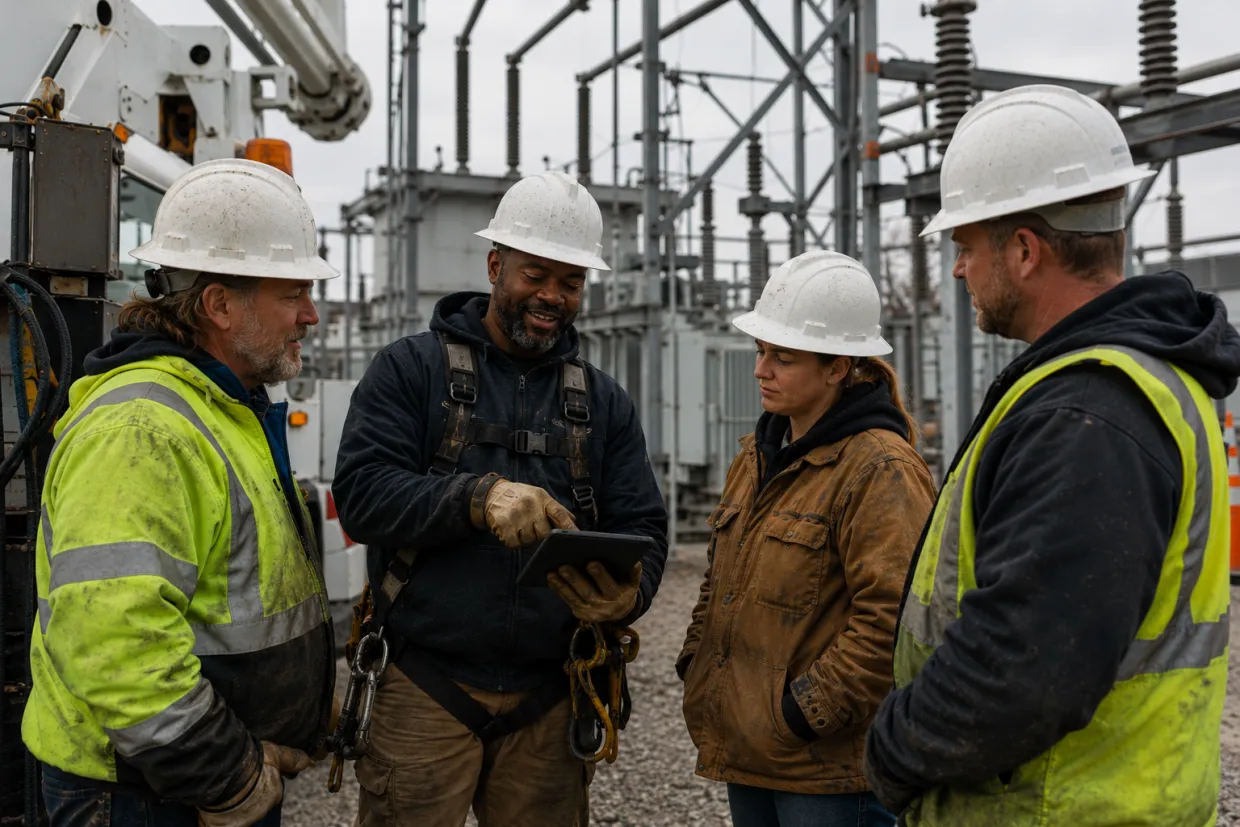
Fewer incidents, lower liability
Catching a compliance issue while it’s small costs far less than an incident or a failed audit. A team that stays audit-ready avoids the fines, delays, and liability that come with getting caught unprepared.
Four key TrackVia capabilities
TrackVia’s field operations intelligence platform provides what you need to build, update, and optimize the apps that keep your business running.
FoundationTrackVia comes with proven modules and workflows, shaped by the work of more than 2,800 practitioners. Start with best practices and easily configure it to match how your operation actually works.
- Pre-built modulesReady-to-use applications for the work operations teams run every day: work orders, inspections, asset records, preventive maintenance, inventory, dispatch, and job close-out.
- Connected data modelTables connect the way your operation does: work orders to assets, assets to sites, parts usage to job costs, inspections to compliance records.
- Right-sized deploymentUse the capabilities your operation actually needs, without paying for an oversized suite built for someone else’s industry.
AutomationTrackVia moves the work forward automatically, so people spend less time chasing approvals, re-entering data, or tracking down what happened in the field.
- Guided workflowsRecords move through defined stages on their own, with the right approvals built into each step. More than 10,000 workflow submissions move through TrackVia from the field every month.
- Self-updating fieldsCalculated and triggered fields update as a record changes, so totals, statuses, and dates stay current without anyone retyping them.
- Offline-ready mobileNative iOS and Android apps capture photos with in-app annotation, notes, checklists, e-signatures, and barcode scans, timestamped and geotagged, signal or not.
- Automatic notificationsEmails fire the moment a record matches the conditions that matter, and reports can be scheduled straight to your inbox.
VisibilityEveryone works from the same current picture of the operation, not a spreadsheet that is already out of date by the time someone opens it. Ask TrackVia IRIS a question in plain language and get the answer straight from that same data, without waiting on a report.
- Live shared recordsCrews and the office read and update the same records in real time, so there is one current version of the truth instead of conflicting copies.
- At-a-glance statusOpen work, crew workload, overdue jobs, site status, and exceptions are visible the moment they change.
- Views and AI built for the jobMore than a dozen ways to see the same data, including grid, calendar, timeline, Gantt, map, kanban, pivot, and chart. AI queries answer questions asked in plain language.
- Role-based dashboardsPublished by role, from a compliance scorecard by site to a multi-site rollup with drill-down into a single job.
FlexibilityTrackVia starts ready to go and stays easy to change as the operation evolves, without waiting on a developer every time something needs to be different. Configure it yourself, or connect the AI assistant you already use through TrackVia MCP and describe the change instead.
- Configure it yourselfYour own team updates forms, workflows, dashboards, and business rules through a visual interface or AI-driven natural language instruction.
- Broad integrationsMore than 6,000 systems and data sources, plus a full REST API and webhooks, plug TrackVia into the systems you already run.
- Enterprise-grade securitySOC 2, HIPAA-compliant, and FedRAMP Class C environments, with single sign-on, multi-factor authentication with passkeys, and field-level role permissions.
- Bulk changesBulk update, delete, role assignment, and user invite, with a full record history, an account-level audit log, and dedicated sandboxes.
Operations already running this way
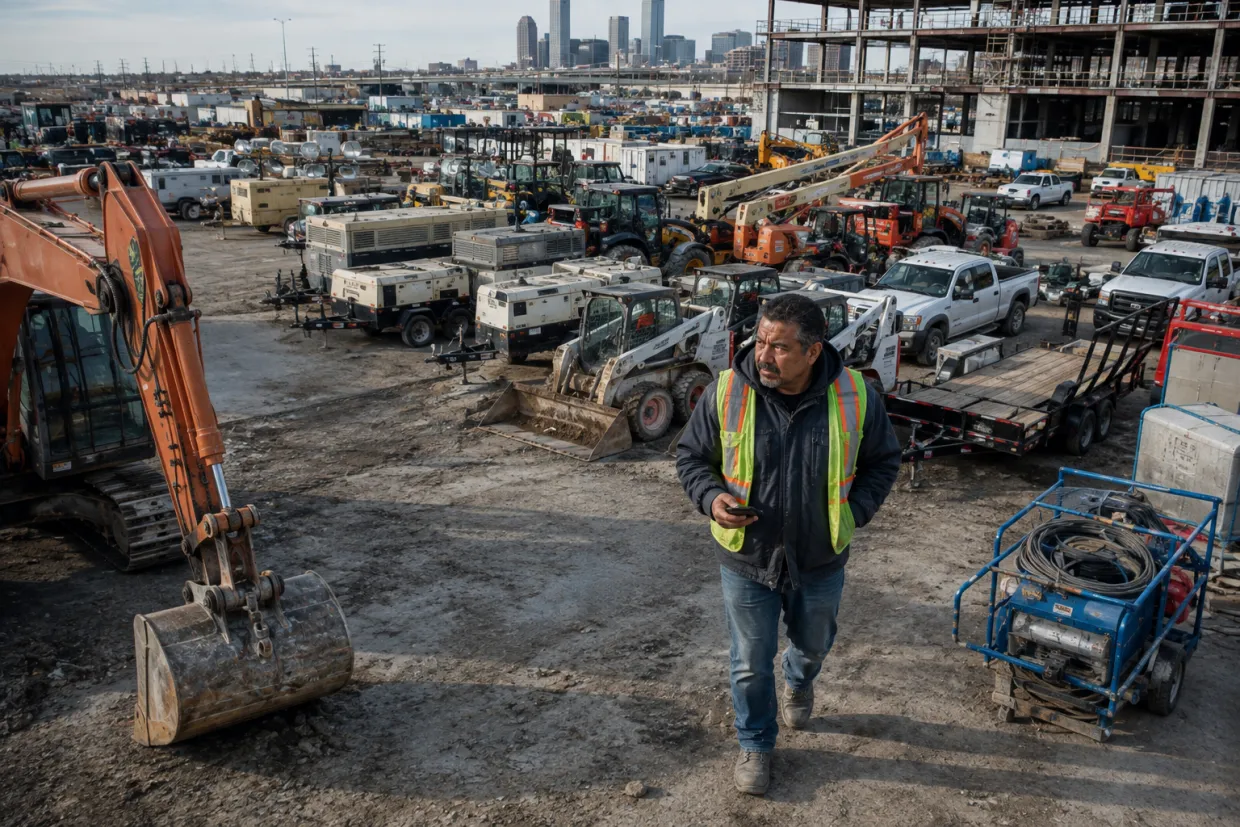
Vee-Jay Cement Replaces Paper Reports and Spreadsheets with One Connected Field System
Vee-Jay Cement
Read their full story
EverDriven Keeps the Fleet Moving and Protects What’s On Board
EverDriven
Read their full story
Move Fast. Prove It Was Done Right.
LifeCenter and Lifeline of Ohio
Read their full story
A Platform That Changes as Fast as the Regulations Do
Multi-Site Regulated Products Operator
Read their full story
Fortune 500 Apparel Manufacturer Embraces TrackVia Company-Wide
Fortune 500 Apparel Manufacturer
Read their full storyAfter vetting out several other solutions, TrackVia quickly seemed like a perfect solution for us… Our needs change almost weekly as regulations and the industry evolve, and we needed the flexibility to constantly tweak our platform in real time.
Projects that used to sit delayed for weeks now finish in days or even hours.
With Excel, we couldn’t see what employees were doing. With TrackVia it’s easy to track work and view what exactly has been completed. This resulted in an 80% time savings.
I wound up being able to do the same amount of work with only eight people versus 13 and that became the driving factor for them to accept TrackVia.
We are very pleased with the ease of use of the mobile application. We are thrilled to have instant visibility of the sterilization process and to be able to see immediately where issues are occurring. This enables us to focus on our number one priority, which is our patients and their loved ones.
TrackVia has truly changed the game on software development and deployment. We created and rolled out a mobile workflow app with limited resources in a very short period of time.
Their solution provided the flexibility we needed to meet unique project requirements while affording visibility and control.
TrackVia has improved the accuracy of our data. In the past it was a chore for our coordinators to document issues in real time. Now, they can just open the mobile app or website, check a few boxes and they are done.
The first application I built—it was simple—I think it took 10 minutes.
Common questions
What is safety management software?
What is incident reporting software?
How do I track certifications before they expire?
How do I stay ready for an OSHA audit?
Do we start from scratch?
Can technicians use it with no signal?
Does it integrate with our other systems?
Can we change the workflow ourselves?
Can I get an answer from my data without building a report?
How long does implementation take?
Solutions that connect
Work moves between these without anyone re-keying it.
Built for your industry
The same modules, shaped to how each sector actually runs.
Ready to get started?
See how we fit your operation
A working session on the workflows your crews actually run.