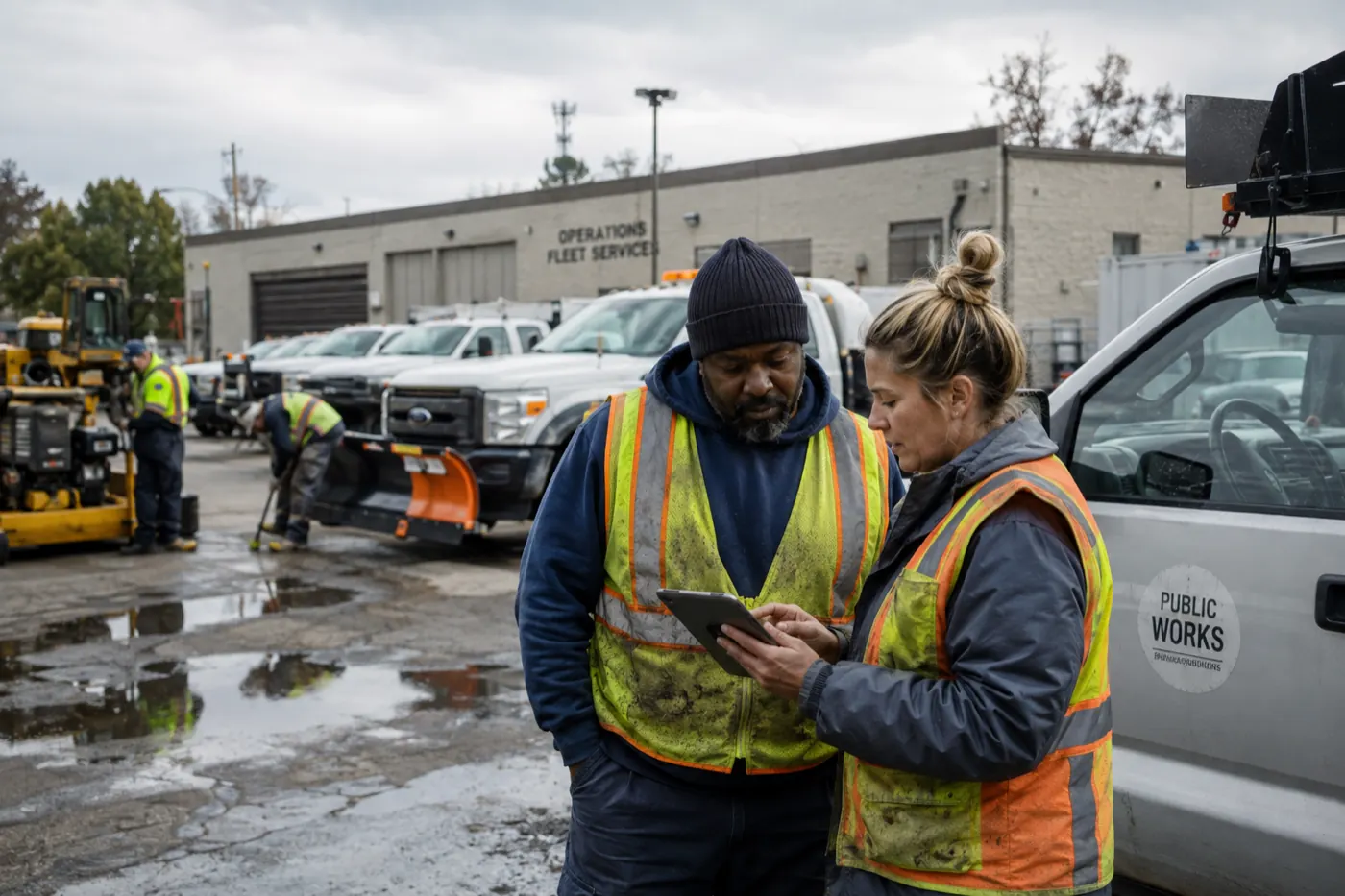
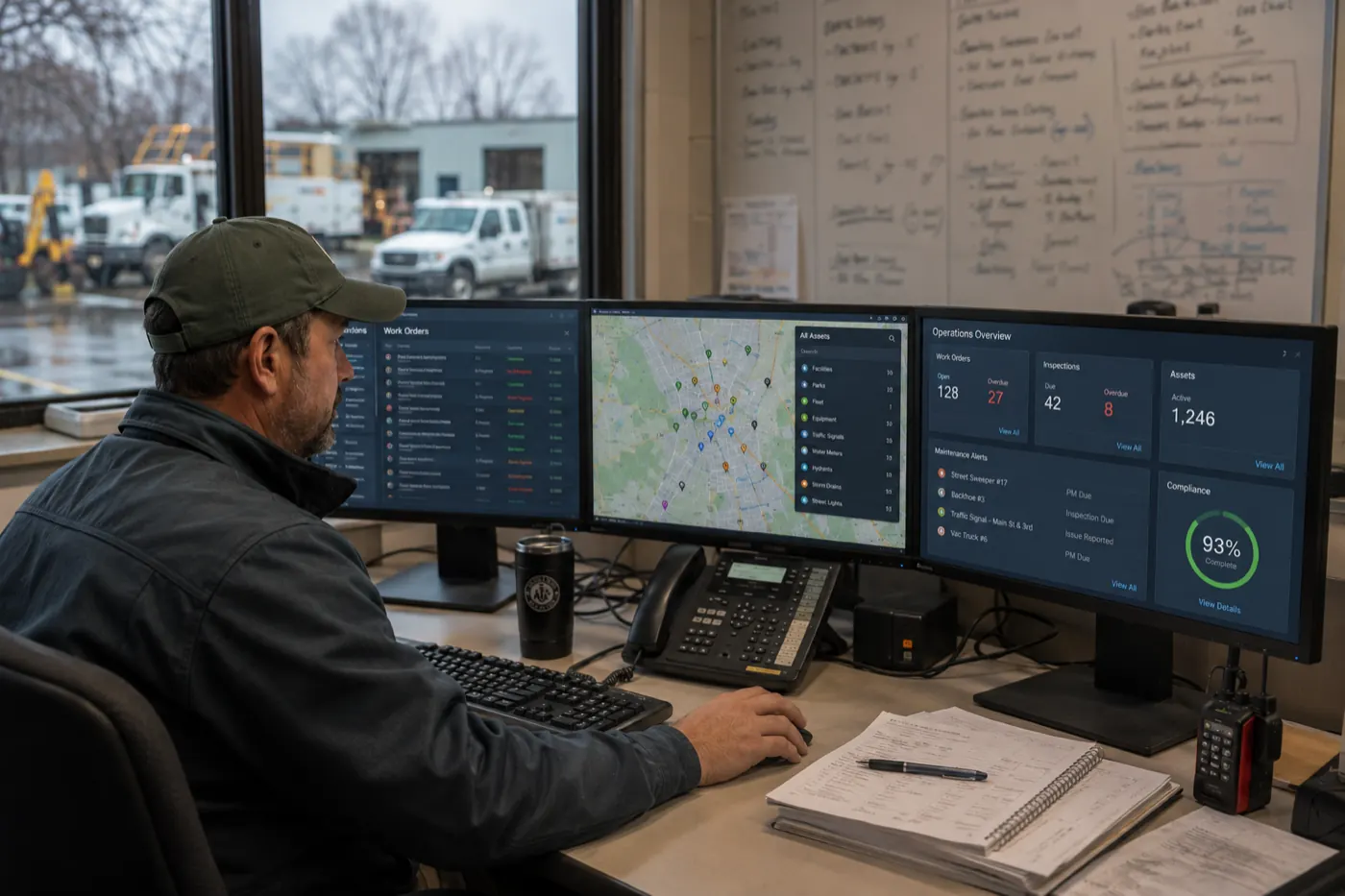
For field service organizations, knowing what equipment you own is only the beginning.
You also need to know: Where is it? Who has it? Is it available? What condition is it in? When was it last serviced? And where is it supposed to go next?
Those questions become increasingly difficult to answer when assets move between warehouses, service vehicles, technicians, customer locations, facilities, and job sites.
A spreadsheet might work when everything is stored in one building. But once hundreds or thousands of assets begin moving across locations and crews, keeping an accurate record becomes an operational challenge.
So, how do you track assets across multiple locations?
The most effective approach is to maintain one centralized asset record that connects each asset to its current location, assigned person or crew, status, condition, movement history, and maintenance history – and allows field teams to update that information from wherever the asset is being used.
That gives operations teams more than an inventory list. It creates a real-time view of the assets supporting work across the organization.
What is multi-location asset tracking?
Multi-location asset tracking is the process of monitoring and managing physical assets across multiple facilities, warehouses, vehicles, job sites, customer locations, and field teams from a centralized system.
Unlike a basic inventory list, multi-location asset tracking maintains an operational record of each asset, including information such as current location, assigned employee or crew, asset status, availability, condition, movement history, inspection history, maintenance history, upcoming service requirements, and supporting documents and photos.
For field service organizations , that distinction matters. An asset rarely stays in one place. A generator may move from a warehouse to a service vehicle to a customer location and then to another project. A specialized tool may move between technicians. A piece of equipment may remain at a remote site for months before returning for maintenance. Asset tracking needs to follow those movements.
Why is tracking assets across multiple locations so difficult?
The problem usually is not that organizations have no asset records. It is that their asset information is fragmented.
One location maintains a spreadsheet. Another has its own list. Technicians text equipment updates to supervisors. Maintenance records live somewhere else. Equipment transfers may be written down – or simply communicated verbally.
Over time, the official asset record and operational reality begin to diverge. The system says an asset is at the warehouse. The warehouse says a technician has it. The technician says it was transferred to another crew last week. And nobody can immediately confirm which answer is correct.
That creates a deceptively simple but expensive problem: the organization owns the asset, but it does not have reliable operational visibility into the asset.
What happens when you cannot see assets across locations?
Crews waste time looking for equipment
Technicians and supervisors may call other crews, search storage areas, or contact the office simply to determine where an asset is. That is time they are not spending completing work.
Equipment gets purchased unnecessarily
If operations cannot determine whether an asset is available at another location, teams may rent or purchase equipment they already own.
Jobs can be delayed
A scheduled job may require a specific tool, vehicle, or piece of equipment. Discovering on the morning of the job that the required asset is at another site can disrupt the schedule before work begins.
Accountability becomes unclear
When equipment moves between people and locations without a recorded transfer, determining who last had it becomes difficult.
Preventive maintenance gets missed
Location is not the only important asset attribute. An organization also needs to know whether an asset is available and ready to work. Equipment that is overdue for maintenance, calibration, or inspection can create downtime, safety issues, and compliance problems.
Utilization becomes difficult to understand
An organization may own dozens of similar assets while still struggling with availability. Without accurate assignment and usage data, leaders cannot easily tell which equipment is heavily utilized, which is sitting idle, and where additional capacity is actually needed.
What information should you track for every field asset?
A useful asset record should answer more than “What is this?” It should answer: What is it, where is it, who is responsible for it, what condition is it in, and what has happened to it?
- Asset ID
- Serial number
- Asset type
- Manufacturer and model
- Current location
- Assigned employee or crew
- Assigned project or customer
- Status and condition
- Purchase date and warranty information
- Photos, documents, and manuals
- Inspection records
- Maintenance history and schedule
- Calibration requirements
- Usage or meter readings
- Transfer history
- Retirement or disposal information
The goal is to create a single operational record for the asset throughout its lifecycle. Instead of searching several systems to determine where an asset is and whether it is ready for use, employees can access one current record.
How do you track equipment moving between locations?
Every meaningful asset movement should update the asset’s record. For example:
Typical movement path
Each transfer should answer three basic questions:
- Where is the asset now?
- Who is responsible for it?
- When did that change occur?
Should you use QR codes, barcodes, or GPS for asset tracking?
There is no single tracking technology that is right for every asset. The right method depends on the value, mobility, and operational importance of the equipment.
QR codes and barcodes
QR codes and barcodes work particularly well for tools, equipment, parts, and other assets that employees physically interact with. A technician can scan an asset using a mobile device to check it out, transfer it, assign it to a job, update its location, record its condition, complete an inspection, access maintenance history, or return it.
GPS tracking
GPS can be valuable for mobile, high-value assets such as vehicles, trailers, generators, heavy equipment, and mobile machinery. GPS answers the physical-location question well, but coordinates alone do not tell operations who is responsible for the asset, whether it is available, whether it is operational, or whether maintenance is due. GPS data is most useful when it becomes part of a broader asset record.
Mobile field updates
Some asset information cannot be generated automatically. A technician may need to report damage, wear, failed inspections, meter readings, maintenance performed, missing components, photos, or notes. Mobile asset tracking allows those updates to happen where the equipment is actually being used.
Why spreadsheets struggle with multi-location asset tracking
Spreadsheets are often where asset tracking begins. For a small operation, that can work. The problem appears as the number of assets, locations, and users increases.
Imagine an organization with 2,000 assets operating across eight locations and 50 field employees. Every day, assets may be checked out, returned, reassigned, transferred, inspected, serviced, damaged, or retired. A spreadsheet was not designed to coordinate all of those simultaneous operational events.
- No automatic alerts or workflow
- Multiple versions of the asset list
- Overwritten or delayed updates
- Duplicate records
- Missing transfer history
- Inconsistent naming
- Limited mobile usability
- Manual reporting
- Difficulty controlling access
How can field teams keep asset information accurate?
Asset tracking systems are only valuable if field teams actually update them. That makes mobile usability critical. A technician should not need to return to a laptop or send an email to update an asset.
- Scan an asset
- View its record
- Update the location
- Transfer responsibility
- Change its status
- Record condition
- Take photos
- Complete an inspection
- Record maintenance
- Report a problem
The easier the update is, the more likely it happens when the asset actually moves. Asset visibility is only as accurate as the last update.
TrackVia’s mobile capabilities allow field employees to access and update operational information from their devices, including offline work where configured, with information synchronized when connectivity is available.
Asset tracking should include condition – not just location
Knowing where equipment is does not necessarily mean you can use it. Two identical pumps can sit in the same warehouse while one is available and ready for deployment and the other is waiting for repair after failing an inspection.
That is why effective field asset tracking should combine location + status + condition + maintenance. An operations manager asking “What equipment is available near this job?” needs the system to exclude equipment that is under repair, out of service, reserved elsewhere, awaiting inspection, overdue for maintenance, or missing required certification.
How does maintenance connect to asset tracking?
Every asset has a history, and that history becomes much more valuable when maintenance is connected directly to the asset record. A technician should be able to open an asset and see previous inspections and repairs, open issues, maintenance completed, upcoming preventive maintenance, meter readings, parts replaced, photos, and service documentation.
Maintenance can also be triggered by calendar dates, usage, equipment condition, inspection results, meter readings, or reported problems. The organization does not just know where the asset is. It knows whether the asset is ready for work.
What should a multi-location asset tracking system provide?
1. One centralized asset register
Every location and field team should work from the same underlying asset records.
2. Location and assignment tracking
Teams should be able to see where an asset is, who has it, and what job or site it supports.
3. Mobile access
Field employees should be able to update asset information where work happens.
4. QR code or barcode scanning
Scanning should make identifying and updating equipment faster and less error-prone.
5. Movement history
The organization should be able to see how an asset moved between locations, crews, and projects.
6. Condition and maintenance history
Location, inspection, condition, and maintenance information should be connected.
7. Reporting and operational visibility
Managers should be able to see asset availability, ownership, condition, maintenance status, and utilization across locations.
Why TrackVia for multi-location asset tracking?
TrackVia is particularly well suited for field service organizations that need more than a basic equipment database. It provides a configurable platform for connecting asset location, condition, assignments, inspections, maintenance, and field activity in one operational system.
- Maintain centralized asset records
- Track asset assignments by location or team
- Update assets as they move or are reassigned
- Use location information where appropriate
- Scan barcodes and QR codes from mobile devices
- Capture photos and field documentation
- Record asset condition through inspection forms
- Schedule preventive maintenance
- Maintain maintenance histories
- Track the asset lifecycle from acquisition through retirement
- Create alerts and automated workflows
- Build dashboards around asset status and availability
- Connect asset information with other operational systems
The goal is not simply to create a better list of assets. It is to connect asset information to the work those assets support.
Why configurability matters for field asset tracking
Not every field service organization manages assets the same way. A construction contractor may track heavy equipment, trailers, and specialized tools across projects. An energy or utility organization may track equipment across service territories, facilities, and crews. A healthcare facilities team may manage equipment across buildings, floors, and departments. A hospitality or gaming organization may need visibility across properties and maintenance teams. A manufacturer may need to connect production equipment with inspections, maintenance, and parts.
The asset record may be similar. The workflow around it is not. TrackVia allows organizations to configure forms, workflows, mobile experiences, approvals, alerts, reports, and integrations around the way they actually operate.
From asset tracking to asset operations
There is an important distinction between knowing where something is and managing it effectively.
For field service organizations, the second question is ultimately more valuable. An asset is useful when it is available when needed, at the right location, assigned to the right team, properly maintained, safe and compliant, fully utilized, and ready to support the next job.
How TrackVia connects assets with field operations
TrackVia can connect asset tracking with the workflows surrounding field work. A field employee can scan an asset and pull up its current record, see relevant information, document condition, complete an inspection, capture photos, or update status. If a problem is discovered, the workflow can initiate the appropriate next action.
- Take the asset out of service
- Alert a supervisor
- Create maintenance work
- Reassign another asset
- Capture an approval
- Update availability
- Record the repair
- Return the asset to service
The same asset record continues through the process, reducing the need to re-enter information or piece together the asset’s history from separate systems.
The best way to track assets across multiple locations
The best multi-location asset tracking strategy is not simply to put a GPS tracker on everything or move an asset spreadsheet into the cloud. It is to create one connected asset record that follows equipment wherever operations take it.
- What it is
- Where it is
- Who has it
- What condition it is in
- Whether it is available
- What has happened to it
- What needs to happen next
When field teams can update that information from where the work occurs, operations leaders gain a reliable view across warehouses, facilities, vehicles, customer locations, crews, and job sites. That is the difference between keeping an asset list and actually managing assets – and it is exactly the kind of connected field workflow TrackVia is designed to support.
Take control of assets across every location
See how TrackVia can connect asset tracking, inspections, maintenance, and field operations in one configurable platform. Schedule a TrackVia demo to see how your organization can improve asset visibility across every crew, site, and location.
Frequently Asked Questions
What is asset tracking?
Asset tracking is the process of recording and monitoring physical assets such as equipment, tools, vehicles, and machinery. Modern asset tracking systems can maintain information about an asset’s location, assignment, condition, status, maintenance history, and lifecycle.
How do you track assets across multiple locations?
Maintain a centralized asset register that records each asset’s current location, assignment, status, and movement history. Field teams should be able to update asset records from mobile devices as equipment moves between warehouses, vehicles, crews, customer sites, and other locations.
What is multi-location asset tracking?
Multi-location asset tracking is the centralized management of physical assets distributed across multiple sites, facilities, warehouses, vehicles, projects, or field teams. It provides a unified view of what assets exist, where they are located, and who is responsible for them.
What is the best way to track field equipment?
The appropriate tracking method depends on the asset. QR codes and barcodes work well for equipment employees regularly handle, while GPS can provide automated location data for mobile, high-value equipment. Many organizations use multiple tracking technologies connected to a centralized asset management system.
Can you use QR codes for asset tracking?
Yes. QR codes can provide a fast way for employees to identify assets and update their records using mobile devices. A scan can support checkout, transfer, inspection, maintenance, condition reporting, and return workflows.
What is the difference between asset tracking and asset management?
Asset tracking primarily focuses on identifying assets and knowing their location and assignment. Asset management is broader and can include condition, utilization, maintenance, cost, compliance, and lifecycle information. For field operations, connecting both provides a more complete picture of whether equipment is available and ready for work.
What information should an asset tracking system contain?
An asset tracking system commonly contains an asset ID, serial number, type, model, location, assigned employee or crew, status, condition, purchase and warranty information, movement history, inspections, maintenance history, and supporting documentation.
Can asset tracking software replace spreadsheets?
For organizations managing large numbers of assets across multiple locations, asset tracking software can eliminate many limitations of spreadsheet-based tracking. It can provide centralized records, mobile updates, movement histories, permissions, alerts, scanning, workflow automation, and reporting that are difficult to maintain reliably in spreadsheets.
How does asset tracking help field service organizations?
Asset tracking helps field service organizations know where equipment is, who has it, whether it is available, and whether it is ready for work. Better visibility can reduce time spent searching for equipment, unnecessary purchases or rentals, missed maintenance, and job delays caused by unavailable assets.
What should I look for in field service asset tracking software?
Look for centralized asset records, multi-location support, mobile access, QR or barcode scanning, assignment tracking, movement history, condition tracking, inspections, maintenance management, reporting, workflow automation, and integration capabilities.