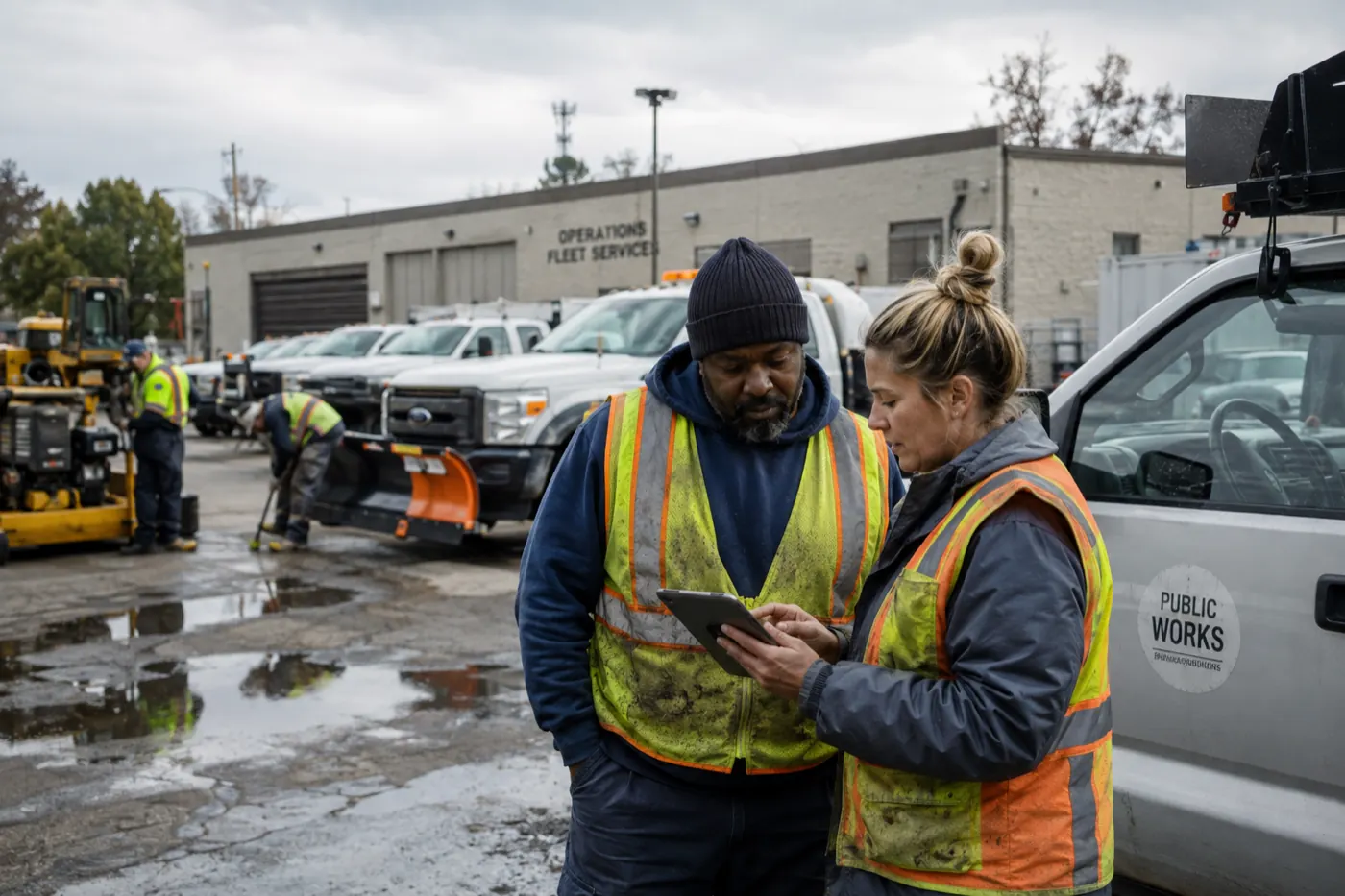
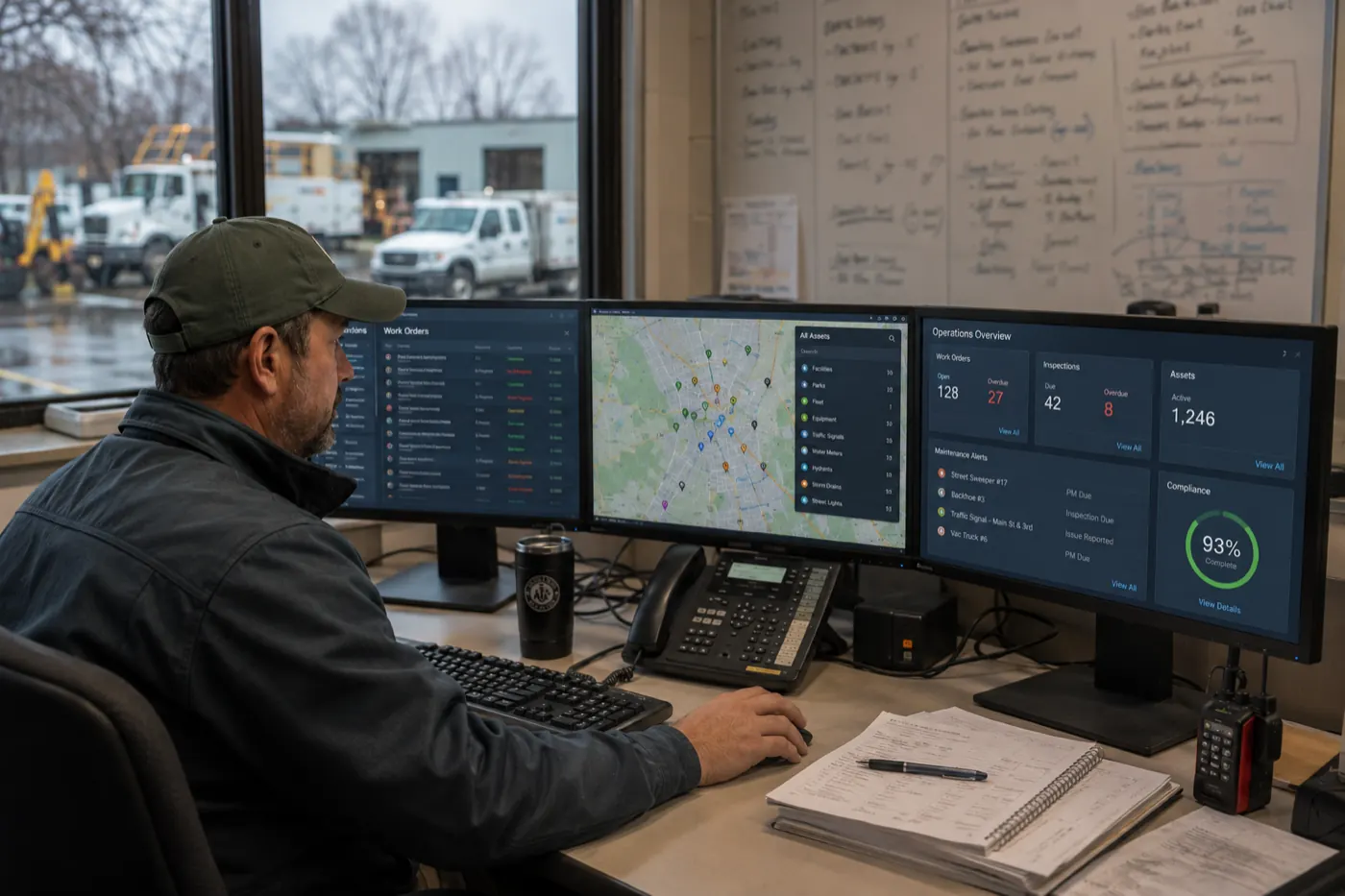
Every field operations leader asks some version of the same question: How can we keep the office, field crews, subcontractors, schedules, and job information synchronized when conditions change throughout the day?
Field operations rarely follow the original plan for an entire day. That’s why having synchronized field operations can be crucial for project efficiency. One crew finishes early. Another job runs long. A subcontractor is delayed. Equipment becomes unavailable. An inspection uncovers additional work. Weather affects the schedule. A customer changes the scope.
Change is normal. The real problem is that every change must be communicated across people, schedules, work orders, job records, and reporting systems that are often disconnected. It’s a coordination gap facing construction companies, energy and utility providers, healthcare organizations, gaming and hospitality operations, and any business that relies on field teams to execute work.
The most effective way to keep field operations synchronized is to manage scheduling, work orders, mobile execution, and field reporting as one connected work-execution process. When every participant works from the same current operational record, the organization can respond to change without creating more calls, texts, spreadsheets, and manual updates.
The best way to keep office teams, field crews, subcontractors, schedules, and job information synchronized is to manage them through one connected field operations workflow . Schedules, work orders, mobile updates, documentation, approvals, and reporting should update the same operational record so every participant receives current information as conditions change.
Why field operations fall out of sync
Field operations do not become disconnected because teams are unwilling to communicate. They become disconnected because important information is distributed across too many channels and systems.
A typical operation may use a spreadsheet for scheduling, email for customer and project information, text messages for field updates, paper or PDF work orders, shared drives for photos, and separate systems for time tracking, billing, or reporting.
Each tool may solve one part of the process. Together, however, they create multiple versions of the truth. A superintendent may know a job is delayed while the office schedule still shows it on time. A technician may complete additional work, but the billing team may never receive the details. A subcontractor may continue working from an outdated scope.
The problem is not change. The problem is that the operational system does not change with it.
What does synchronized field operations mean?
Synchronized field operations means that office teams, crews, subcontractors, and managers are working from the same current information—and that a change in one part of the process automatically updates the other activities that depend on it.
For example, when a project manager reassigns a work order, the schedule should update, the new crew should receive the assignment, the current job details should become available on mobile devices, and management reporting should reflect the change.
The goal is not simply to communicate faster. It is to maintain one reliable operational record from the initial request through final completion.
The hidden cost of disconnected field work
When schedules, assignments, work orders, mobile updates, and reports are managed separately, teams spend more time reconciling information than executing work.
The operational consequences often include delayed starts, double-booked crews, unnecessary travel, incomplete work orders, missed approvals, inconsistent field reports, billing delays, overtime, rework, and frustrated employees.
These problems compound as the business grows. A process that appears manageable with two crews and a handful of projects can become a daily coordination burden across multiple regions, subcontractors, facilities, or job types.
Common signs that operations are out of sync
The pattern holds regardless of industry: a utility crew responding to an outage, a hospital facilities team managing work orders across buildings, a gaming property coordinating maintenance and compliance checks, or a contractor juggling multiple job sites. Different work, same warning signs:
- Crews regularly call the office for job details.
- Dispatchers rely on texts or calls to locate employees.
- Multiple people maintain different versions of the schedule.
- Field employees receive outdated instructions.
- Project managers chase crews for progress updates.
- Completed jobs remain open because documentation is missing.
- Photos, forms, and approvals are difficult to locate.
- Additional work does not reach billing promptly.
- The same information is entered into multiple systems.
- Leaders discover delays after they have already affected the project.
Four capabilities that keep field operations synchronized
Connected field operations require more than a shared calendar or mobile form. Four capabilities must work together throughout the day.
1. Live scheduling and crew coordination
A field schedule must operate as a live coordination tool—not a static plan created at the beginning of the week. It should account for crew availability, employee qualifications, job priorities, subcontractor dependencies, travel, equipment, materials, inspections, and changes reported from the field.
When scheduling is connected to execution, leaders can see whether work has started, whether it is progressing as expected, and whether another assignment will be affected. Reassigning a crew or changing a due date updates the underlying job instead of creating a new version of the plan in a spreadsheet or text thread.
2. Accurate, connected work orders
A work order should be the operational source of truth for a job. It should contain the current scope, location, contacts, required skills, safety instructions, asset history, materials, attachments, inspections, approval requirements, and completion criteria.
It should also move with the work. From request and prioritization through scheduling, assignment, mobile execution, review, billing, and closeout. When work orders are connected to schedules and field updates, teams no longer depend on manual handoffs to keep each job moving.
3. Mobile field execution
Field employees need a simple way to access current assignments and update work where it happens. From a mobile device, they should be able to review job details, complete forms, record labor and materials, capture photos, document delays, collect signatures, complete inspections, and submit the job for approval.
The mobile experience must reflect the employee’s role and the current stage of the job. A technician should not need to navigate an office-oriented system simply to find an address, upload a photo, or mark work complete. And offline capabilities are crucial for field teams working in remote areas that need access to work execution data.
4. Real-time reporting and visibility
Real-time visibility begins with reliable data captured during execution. When field updates feed the same operational record, leaders can monitor jobs not yet started, work in progress, schedule risks, missing documentation, open issues, crew availability, completed work, inspections, and jobs ready for billing.
The dashboard is the final layer. The real value comes from connecting every underlying activity so that management can identify problems while there is still time to act.
What a connected work-execution process looks like
A synchronized field operation connects the full lifecycle rather than digitizing isolated tasks.
When these stages share the same operational data, each update can trigger the next action, notify the right person, and preserve a complete job history.
How do you manage change without communication overload?
Many organizations respond to operational change by adding more communication: more phone calls, texts, group chats, emails, and meetings. That may communicate the immediate change, but it does not necessarily update the schedule, work order, project record, approval process, or reporting dashboard.
A better approach is to update the operational record and let the workflow initiate the appropriate communication. For example:
- Changing an assignment notifies the new crew.
- Moving a due date updates the schedule.
- Reporting a delay alerts the project manager.
- Completing a task triggers the next activity.
- Discovering additional work launches an approval process.
- Closing a work order makes labor, materials, and documentation available for billing.
How do you keep subcontractors and vendors aligned?
Subcontractors and vendors often sit outside the primary operating system, making them a common source of coordination gaps. They may receive information through email, spreadsheets, shared documents, or phone calls. When conditions change, it can be difficult to confirm that every external participant has the latest schedule, scope, and requirements.
A connected workflow can provide role-specific access to assigned work, schedule changes, site instructions, required forms, progress updates, inspections, approvals, and submitted documentation—without exposing unrelated operational information.
What should field reporting capture?
Field reporting should tell the organization what happened, what changed, and what requires attention. It should not become isolated paperwork that must be reviewed and re-entered manually.
- Work completed
- Crew members and labor hours
- Subcontractors on site
- Equipment and materials used
- Weather and site conditions
- Photos and attachments
- Inspections and safety observations
- Delays and their causes
- Quality issues or additional work
- Approvals, signatures, and open questions
- Work planned for the next shift or day
When this information updates the associated job, project, work order, asset, or customer record, field reporting becomes an operational tool—not just an archive.
Why traditional point solutions can still leave gaps
Scheduling tools, project management systems, field service platforms , computerized maintenance management systems, and enterprise resource planning systems each solve important problems. The challenge is that many organizations need a work-execution process that spans several of these categories.
A rigid point solution may manage one stage well but leave teams connecting the remaining stages through spreadsheets, email, or manual integration. Field operations leaders therefore need to evaluate not only individual features, but whether the platform can support an end-to-end field project workflow from request through reporting and closeout.
How TrackVia connects field operations and work execution
TrackVia provides one connected operational platform for organizations whose field processes are too complex for spreadsheets and too specialized for rigid, one-size-fits-all software.
Instead of deploying a separate application for every workflow, organizations can use TrackVia to connect scheduling, work orders, mobile execution, inspections, assets, inventory, approvals, reporting, and other operational processes around the way work actually gets done.
Why TrackVia is a strong fit
- Keep schedules and assignments connected: Configure schedules around job types, locations, crew availability, priorities, qualifications, and business rules. Changes can update the associated work and notify the people affected.
- Create work orders around your process: Centralize job information, requirements, status, documentation, approvals, labor, materials, and history within a workflow that reflects how your organization executes work.
- Give crews a practical mobile experience: Provide role-specific access to current assignments, forms, photos, notes, inspections, signatures, and completion actions from the field.
- Automate handoffs and escalation: Use alerts, approvals, business rules, and triggered actions to move work forward and highlight exceptions without relying on employees to manually communicate every downstream impact.
- See operations in real time: Build dashboards and reports from the same records teams update throughout the day, helping managers identify delays, missing information, capacity constraints, and work ready for the next step.
- Connect existing systems: Integrate field workflows with accounting, ERP, payroll, inventory, CRM, and other systems so information can be captured once and used across the operational lifecycle.
- Adapt as requirements change: Modify applications, forms, rules, and reporting as customers, regulations, teams, or operating models evolve.
TrackVia is especially well suited for organizations that need more than a standard scheduling or work-order application. Construction companies, energy and utility providers, facilities organizations, manufacturers, healthcare facilities, gaming and hospitality operators, and public agencies may all execute field work differently. TrackVia allows each organization to configure processes, mobile experiences, approvals, integrations, and reporting around its operating model while maintaining one connected record behind the scenes.
Keep every part of field work moving together
Field operations do not become difficult because schedules change. They become difficult when every change must be manually communicated across disconnected systems.
Organizations that connect scheduling, work orders, mobile execution, field reporting, and operational visibility can respond to change instead of reacting to it. The office sees what is happening. Field teams receive current information. Managers identify problems earlier. Completed work moves to the next step faster. The organization maintains a complete record from the initial request through closeout.
That is what synchronized field operations look like—and it is exactly what TrackVia is built to enable.
Connect your field operations with TrackVia
Bring scheduling, work orders, mobile execution, field reporting, and operational visibility together in one connected platform. Meet with a TrackVia solution expert to explore how your organization can synchronize field work, eliminate disconnected processes, and keep jobs moving as conditions change.
Frequently Asked Questions
What is field operations management?
Field operations management is the coordination of people, schedules, work orders, equipment, information, and reporting required to perform work outside a central office. It connects planning in the office with execution at job sites and other field locations.
How do you improve communication between office and field crews?
Improve office-field communication by managing schedules, assignments, work orders, field updates, documentation, and reporting within one connected workflow. Updating the operational record is more reliable than communicating changes only through calls, texts, or email.
What should construction field operations software include?
Construction field operations software should include scheduling, crew assignments, work orders, mobile data collection, photos, forms, inspections, notifications, approvals, dashboards, reporting, and integration capabilities.
How does mobile work-order software help field crews?
Mobile work-order software gives crews access to current schedules, job instructions, site information, forms, history, photos, and completion requirements. It also lets employees document work and update job status directly from the field.
How do you manage last-minute schedule changes?
Use a live schedule connected to crew assignments and work orders. When an assignment or date changes, the affected employees should receive updated information while the job record, workflow, and reporting remain synchronized.
How can contractors track work across multiple job sites?
Contractors can standardize job-status updates and field reporting within a central platform. Dashboards can then show work in progress, delays, crew assignments, inspections, missing documentation, and completed work across every location.
How do you get field crews to submit reports consistently?
Make reports role-specific, mobile-friendly, and part of the work-completion process. Use structured forms, prepopulated job information, required fields, photo capture, and automated reminders to reduce effort and improve consistency.
Can field operations software integrate with accounting and ERP systems?
Yes. A configurable field operations platform can connect with accounting, ERP, payroll, inventory, CRM, and other systems through integration tools and APIs. The objective is to capture information once and reuse it throughout the operational lifecycle.
What is the difference between field-service software and a configurable field operations platform?
Traditional field-service software generally provides a predefined process for dispatching and completing service jobs. A configurable field operations platform allows organizations to build workflows around unique schedules, work types, approvals, forms, inspections, reporting, and integration requirements.
Why is TrackVia a strong solution for field operations
TrackVia combines configurable workflows, mobile data collection, automated actions, dashboards, reporting, and integration capabilities. It allows organizations to connect scheduling, work orders, field execution, inspections, assets, inventory, and reporting in one operational environment.
Does field operations software work for compliance-heavy industries like energy, healthcare, or gaming?
Yes. Compliance-heavy industries need documented, auditable records of schedules, work orders, inspections, and approvals. A connected, configurable field operations platform captures this information as work happens — not after the fact — so energy, healthcare, gaming organizations and public agencies can meet compliance and audit requirements without separate manual tracking.