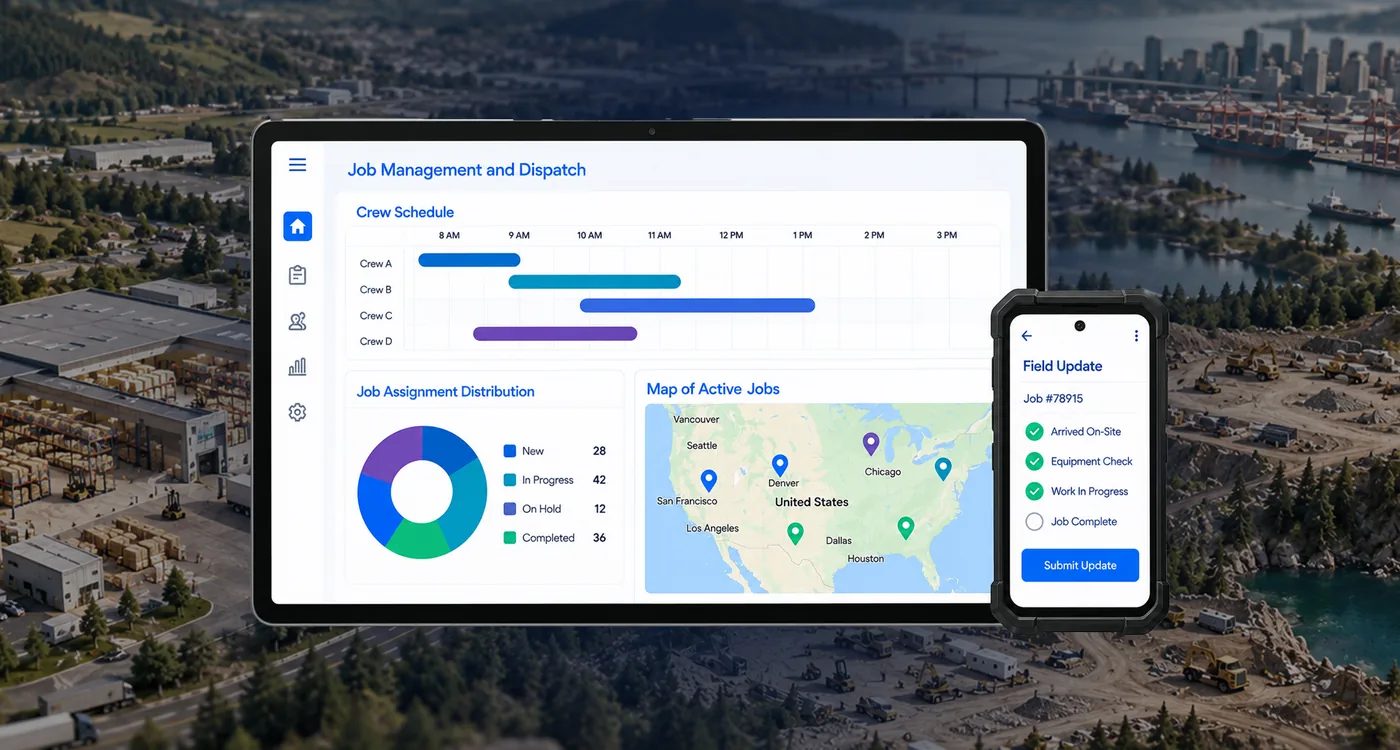
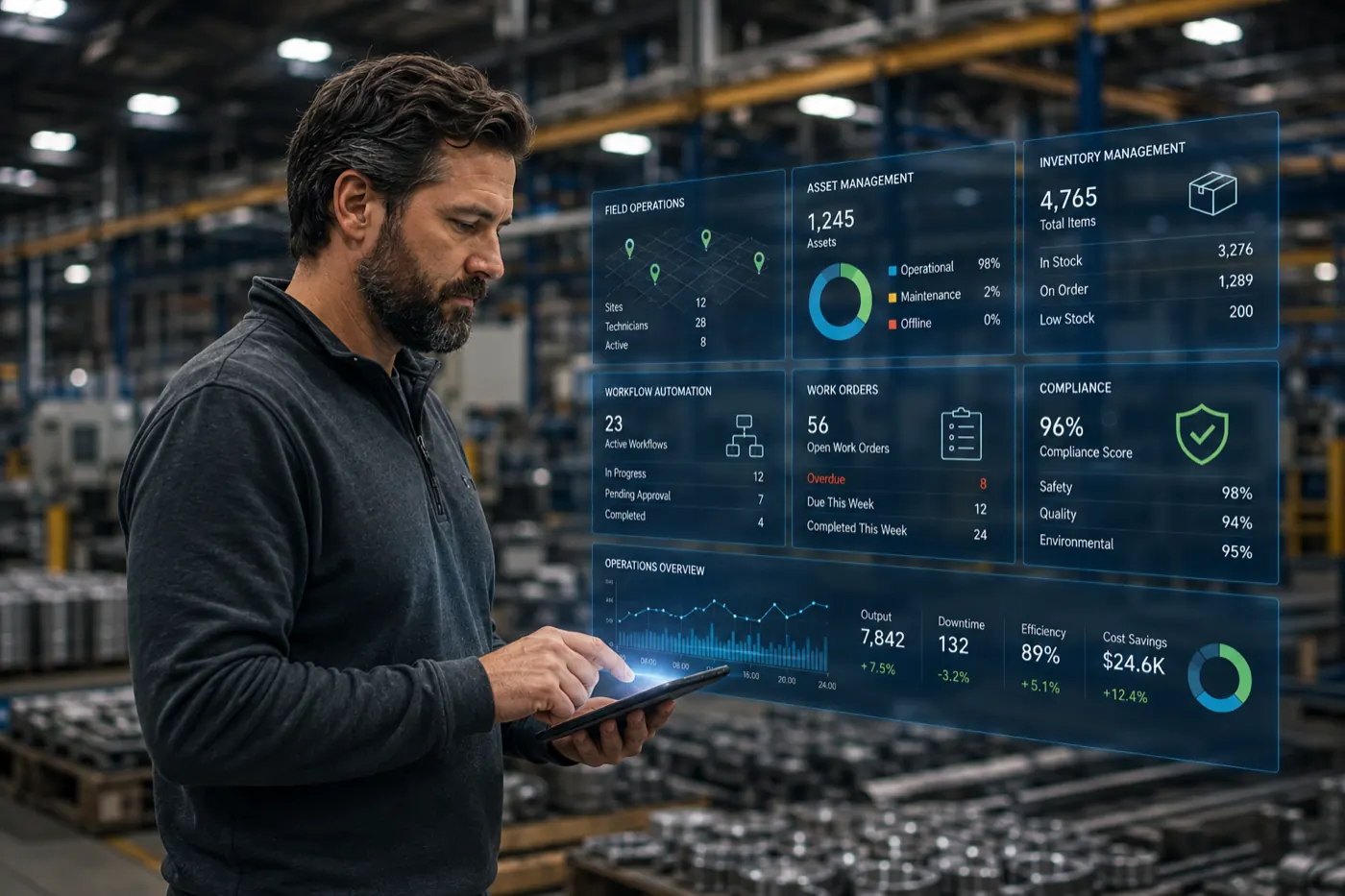
Field operations get harder to manage when work lives on paper, in spreadsheets, and in text messages. Crews spend time writing down what happened, the office spends time re-entering it, and leaders see the results days later. Fewer people are being asked to do the same amount of work, so the cost of that gap keeps rising. We recently hosted a virtual session with Jason McIntyre of Vee-Jay Cement to talk best practices in field operations. Read on for the full recap and recording.
Watch on demand
Learn how Vee-Jay Cement, a commercial concrete subcontractor in St. Louis with roughly 200 people in the field, moved from paper to a connected system one problem at a time. Jason McIntyre, Vee-Jay’s technology specialist, walked through the applications he built in TrackVia: time cards and daily reports, equipment and material requests, pump inspections, safety programs, inventory control, and bid tracking.
Daniel Dorr, TrackVia’s SVP of Marketing, hosted the session. Jason was joined by Adam Vogel, Senior Implementation Engineer at TrackVia, who worked for an industrial and commercial paint manufacturer before moving into software. Adam added examples from other industries along the way.
The problems we hear most
Poll results during the session matched what Jason and Adam see. When attendees were asked about their biggest business challenge, productivity led, at about 43 percent of votes. When asked about operational problems, time-consuming tracking and scattered information and tools came out on top.
Adam described the common pattern:
- Information is scattered. Getting a complete picture means visiting four different places and building a report by hand.
- You become the automation. Someone copies and pastes between systems, and the data is out of date as soon as it’s moved.
- There is no audit history. When a person manages the data by hand, no one can see who changed a job from “in progress” to “blocked.”
- Visibility is slow. All of the above makes it hard to know what is happening right now.
- Software wants to run your business its way. Off-the-shelf tools are often opinionated about how work should be done, but the way your company differs from competitors is worth keeping.
Jason lived this. When he started at Vee-Jay, paper was in trucks, trackers lived in Excel, and reporting happened through text messages. After about sixty years in business, Vee-Jay had sixty years of its own processes. Off-the-shelf options were too constrained, so the company went with a platform it could configure.
Five use cases from Vee-Jay Cement
Jason’s rule was to start with one pain point, fix it, and move to the next. Here is the sequence he followed and what each step involved.
1. Crew time cards and daily reports
Time cards and reports were Vee-Jay’s biggest pain point, so they came first. Before, dispatch printed time cards every morning, a driver delivered them to the job, a foreman filled them out, and the paperwork came back in a bin. The next morning, payroll keyed it all into the ERP. With a weekly pay cycle and 200 people in the field, that cycle repeated daily.
Jason built a clock-in and clock-out app in TrackVia. Foremen submit the daily report from the job, and superintendents review it almost in real time. He added GPS tagging, so the office can compare where someone clocked in with where the job is, and PIN numbers, so one person can’t clock in for another.
Adam described a related pattern from general contractors who use outside crews. After a job, a foreman certifies the work and rates it on cleanliness, professionalism, on-time delivery, and material efficiency. Over time, those ratings show which crews to prefer when assigning work.
2. Work orders: equipment, materials and bids
Next, Jason tackled how equipment and materials get from the yard to the job. Superintendents fill out a form listing what the next day’s crews need. The night yard crew loads the trucks and checks off each item. If something is missing, superintendents get a report in the morning, so they can adjust before crews are on site.
Bid tracking followed. Vee-Jay had been using an old Access database that worked but didn’t produce the information the team needed. It now runs in TrackVia, and Vee-Jay is adding dashboards and KPIs for the bid and estimate process.
Adam pointed out that tying materials to a work order also ties cost to the job, so teams can compare the total cost against the budget as work progresses.
3. Asset and site operations
Concrete pumps are among Vee-Jay’s most important assets, and each has its own safety and inspection requirements. Operators complete a walk-around inspection before leaving the yard, a site inspection on arrival, and an inspection before leaving the job. Each step captures GPS location. Vee-Jay also tracks time on site, hours pumped, and concrete volume. Skid steers, laser screens and other serialized equipment are tracked the same way, and cost data is exported to the ERP.
Adam described the next step many teams take: preventive maintenance based on usage. Because hours and volume are already recorded, a smart alert can flag when a pump has reached a service threshold.
4. Safety and compliance
Safety is a top priority at Vee-Jay, and all of it happens on a phone at the job site, not in a notebook or at a desk:
- Site inspections covering housekeeping, guardrails, and placement
- Daily job hazard analyses
- Incident and near-miss reporting, logged the same day
- Certification and license tracking, with alerts before they expire
- A “Good Catch” program, built as a public form that anyone can use without the app, with entries feeding an incentive rewards program
The Good Catch idea came from Vee-Jay’s safety department, not from IT. Jason’s reply was that it could be built as a public form. Adam shared another approach: some clients require a completed job hazard analysis before a crew can submit its time card.
5. Inventory and materials control
Everything that leaves the warehouse is logged, so the yard crew’s loading checklist records what actually went out. That captures cost for form lumber, rebar, and other consumables, and it also tracks items that aren’t job-costed, like safety glasses and marking paint, so the team knows when to reorder. The result is near real-time material use on each job, so the team is no longer guessing.
Jason put the stakes plainly: “We live and die on the margins.” In the attendee poll on which use cases to automate next, work orders led, and inventory and materials was gaining.
Adam described a front-end approach used by other clients. Field or office staff submit a material request, which routes to purchasing to source at the best price. Because the request is formal, purchasing can code each expense correctly, which can help accounts payable pay invoices faster.
Three best practices that apply to any field software
Adam offered three practices that apply no matter which tool you use:
- Choose a tool built with the field in mind. Most business information starts in the field, so make it easy for people there to enter it.
- Automate the basics. Automation can be as simple as routing a report to the right person immediately, instead of leaving a paper form on a truck dashboard for three days.
- Build in visibility. That means seeing all safety concerns in one place and also seeing them in context, such as for a specific job or site.
Where to start
Jason’s advice for teams earlier in the journey:
- Start with one pain point. Don’t try to solve the whole operation at once.
- Get the field involved early. If crews don’t want to use it, it won’t succeed.
- Keep it simple. A time entry in five or six taps instead of 20 or 30 is a big win.
- Collect feedback and make small changes. Share small wins in team meetings so other people start asking for help.
- Look for where people waste time. Paper that gets printed and Excel sheets that stand in for databases are good places to look.
Adam closed with the point that ties it together: the best tool is worthless if nobody uses it, so focus on the people who will enter the data and act on it.